What Is SSO Login? A Complete Beginner’s Guide to Single Sign-On
Open your email. Then your project dashboard. Then your HR portal. Then your team chat. Then your file storage. Then your CRM.
Now imagine entering a different password for every single one.
That is the exact problem Single Sign-On, or SSO, was created to solve.
Today, people use dozens of websites, cloud applications, workplace tools, and mobile apps every day. Some are used for work, some for school, and some for personal tasks. Remembering separate credentials for each platform creates friction, increases password reuse, and makes account management much harder than it needs to be.
SSO login simplifies that process.
Instead of signing into every application individually, users authenticate once and gain access to multiple connected services without repeated login prompts. That means fewer passwords to remember, fewer resets to request, and a smoother digital experience overall.
For businesses, SSO improves security, user experience, and access management. For users, it reduces password fatigue and speeds up daily workflows. For IT teams, it creates a more centralized way to control who can access what.
This beginner-friendly guide explains what SSO login means, how it works, where it’s used, why organizations adopt it, and what you should know before implementing it.
What Is SSO Login?
SSO stands for Single Sign-On.
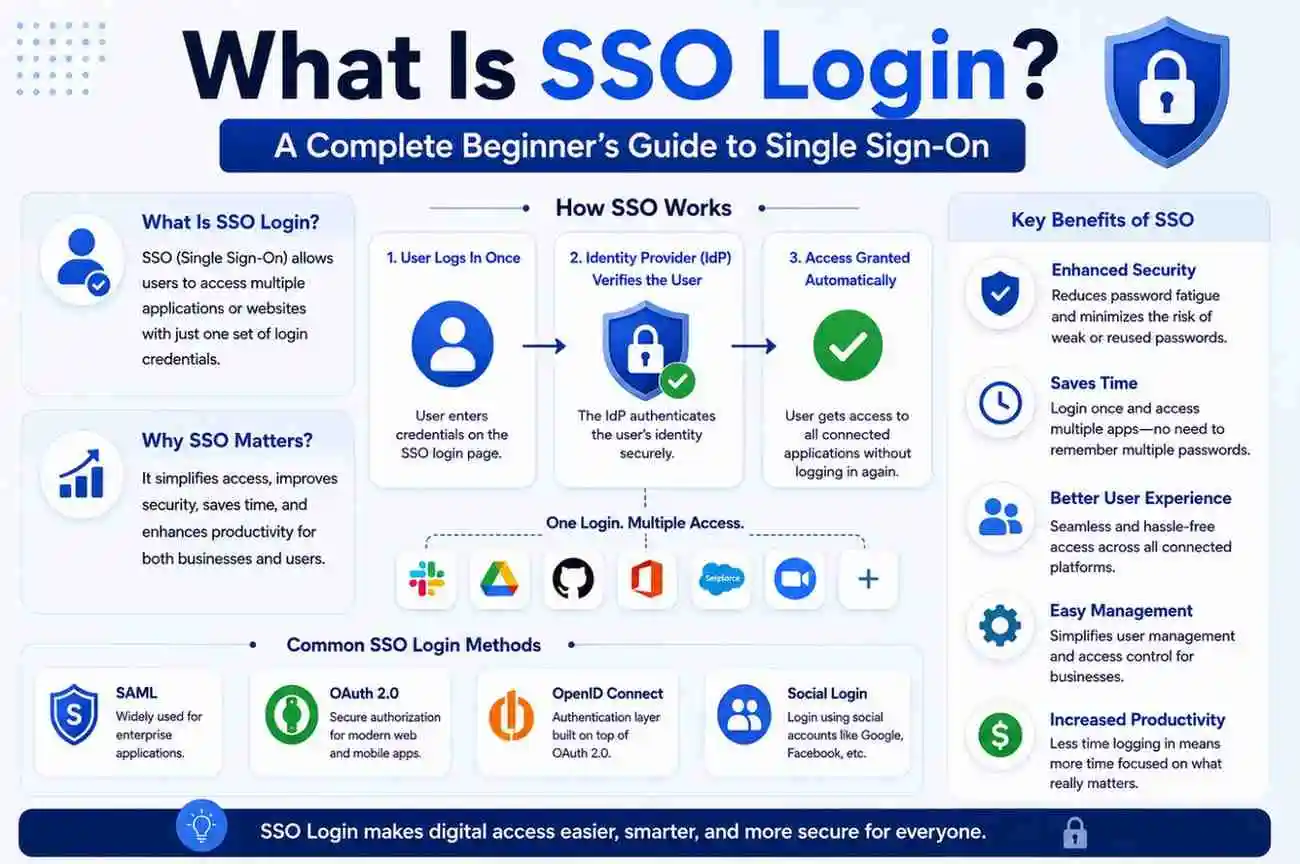
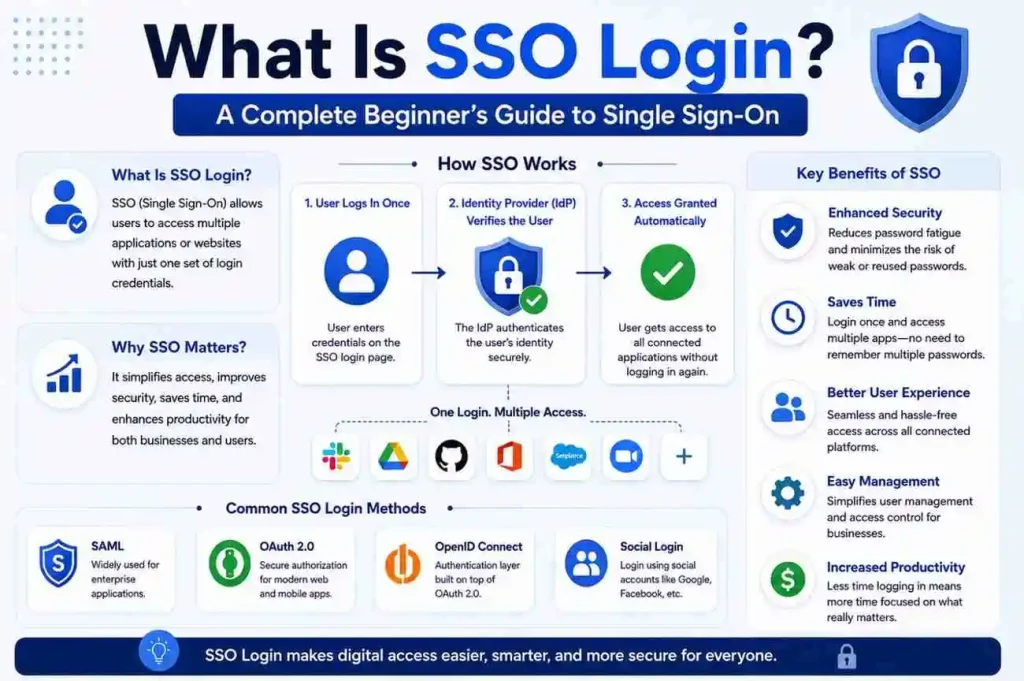
SSO login is an authentication method that allows users to access multiple applications using one set of login credentials. Instead of creating separate usernames and passwords for every platform, users authenticate once through a central identity system.
After successful verification, connected applications recognize that authentication and allow access without asking the user to sign in again.
In simple terms:
One Login → Multiple Applications
Without SSO:
Login → App A
Login → App B
Login → App C
With SSO:
Single Login → Access All Connected Apps
This approach reduces repeated sign-ins and creates a smoother experience across digital systems. It also helps organizations standardize access control, which is especially useful when employees use many cloud-based tools throughout the day.
SSO is commonly used in:
- Business platforms
- Enterprise software
- Remote work systems
- Education portals
- Cloud applications
- Customer platforms
- Internal company tools
- Mobile ecosystems
In many cases, users already use SSO without realizing it. If you sign into one account and then move between several connected services without logging in again, you are likely using some form of Single Sign-On.
How Does Single Sign-On Work?
At first glance, SSO feels simple.
Behind the scenes, several systems communicate to verify identity securely. The process is designed to make access easier for users while still protecting sensitive information.
A typical SSO flow looks like this:
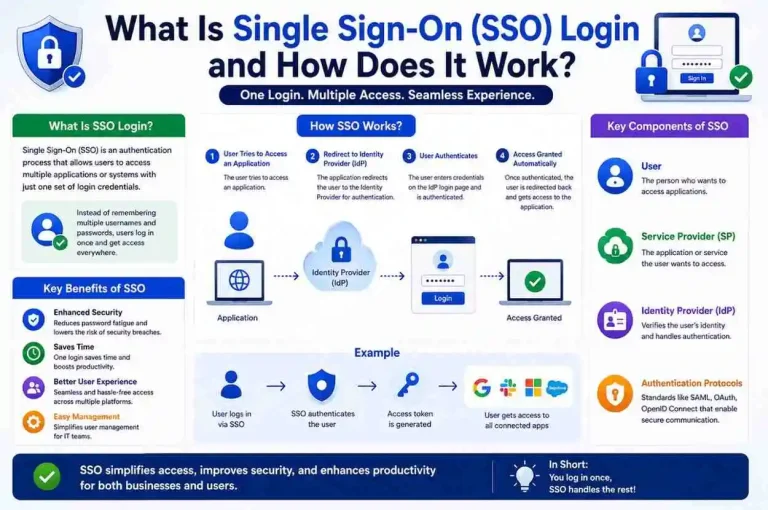
User → Identity Provider → Authentication → Application Access
Here’s how the process works.
Step 1: User Requests Access
A user opens an application.
Instead of showing a normal login page, the system redirects authentication to a trusted identity platform. This identity platform is responsible for checking whether the user is who they claim to be.
For example, if an employee opens a company dashboard, the dashboard may send them to the organization’s login system first.
Step 2: Identity Verification Begins
The user enters credentials.
These may include:
- Password
- Verification code
- Security challenge
- Multi-factor authentication
The identity platform confirms user identity. If the credentials are correct and the account is active, the system continues the login process.
In many modern environments, this step may also include additional checks such as device trust, location verification, or MFA approval.
Step 3: Authentication Token Is Created
Once verification succeeds, the system generates an authentication token.
This token acts as temporary proof that the user already logged in. It is not the same as the password itself. Instead, it is a secure digital confirmation that the identity provider has already validated the user.
The token usually contains information such as:
- User identity
- Session details
- Expiration time
- Security validation data
Step 4: Access Is Granted Across Applications
Connected applications accept the token.
The user moves between services without repeated login requests. If the token is still valid, the application trusts the identity provider and grants access.
This process happens within seconds and creates the seamless experience that makes SSO so useful.
Key Components of an SSO System
Several technologies work together to make SSO possible.
Understanding these pieces makes the entire system easier to understand.
Identity Provider (IdP)
The Identity Provider manages authentication.
Its job includes:
- Validating users
- Managing credentials
- Enforcing security rules
- Creating authentication sessions
Think of it as the central authority that confirms identity.
The Identity Provider is often the most important part of the SSO setup because it decides whether a user should be allowed in. It may also connect with directory services, MFA tools, and security policies.
Common identity services support:
- User directories
- Session control
- MFA
- Access policies
Examples of identity providers in real-world environments include enterprise login systems and cloud identity platforms.
Service Provider (SP)
The Service Provider is the application users want to access.
Examples include:
- Email systems
- Business tools
- Dashboards
- Internal applications
The Service Provider trusts the Identity Provider instead of requesting another password. That trust relationship is what makes SSO possible.
If the identity provider says the user is verified, the service provider accepts that result and opens the application.
Authentication Tokens
Tokens transfer proof of identity.
Applications use tokens to verify users without collecting passwords repeatedly. This reduces the number of times sensitive credentials are transmitted and helps improve the user experience.
Tokens typically include:
- User information
- Session details
- Expiration rules
- Security validation
Because tokens expire, they help limit how long a login session remains active. That adds an important layer of security.
User Directory
Directories store account information.
This may include:
- User accounts
- Access groups
- Permissions
- Department assignments
Directories help organizations control access centrally. Instead of managing accounts separately in every application, administrators can update user information in one place and sync it across connected systems.
This is especially useful for onboarding new employees or removing access when someone leaves the company.
Common Protocols Used in SSO
Several authentication standards power Single Sign-On environments.
Each solves slightly different problems.
SAML (Security Assertion Markup Language)
SAML is widely used in enterprise environments.
It allows secure exchange of authentication information between systems. In many business settings, SAML is the standard choice for connecting internal tools and cloud applications.
Common strengths:
- Enterprise adoption
- Secure assertions
- Centralized authentication
- Strong compatibility with business software
Best for:
Business applications and corporate environments.
SAML is especially common when organizations need a reliable way to connect many internal systems under one identity platform.
OAuth
OAuth focuses on authorization.
Instead of sharing passwords, users grant permission for services to access specific information. OAuth is often used when one application needs limited access to another service without taking over the user’s full account.
Common uses:
- Social logins
- API authorization
- Mobile applications
OAuth is not always used for login by itself, but it plays a major role in modern access systems.
OpenID Connect (OIDC)
OIDC builds on OAuth.
It adds identity verification capabilities, which makes it more suitable for login scenarios. Many modern applications prefer OIDC because it is lightweight, flexible, and easier to integrate with web and mobile systems.
Strengths include:
- Lightweight integration
- Modern application support
- Mobile compatibility
- Better identity-focused workflows
OIDC is often used in cloud-first environments where applications need secure and modern authentication methods.
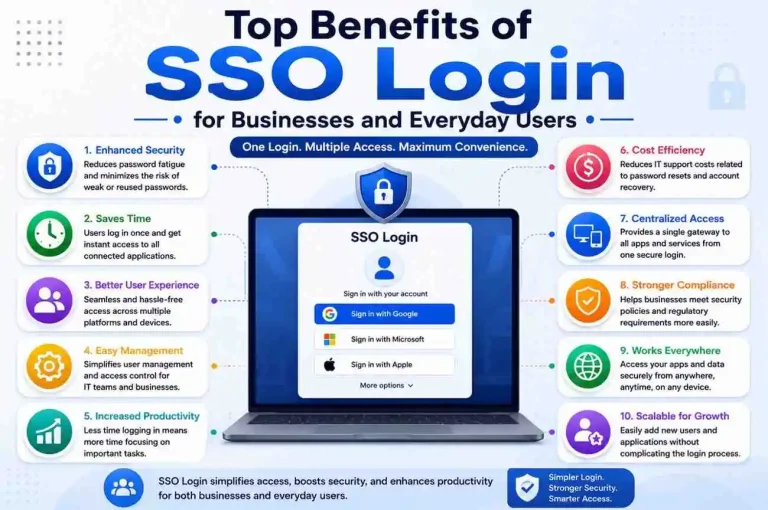
Why Businesses Use SSO
Organizations adopt Single Sign-On because managing access manually becomes difficult as systems grow.
Here are the biggest advantages.
1. Better User Experience
People spend less time logging in.
One sign-in reduces interruptions and improves productivity. Users can move between applications smoothly instead of stopping to enter credentials again and again.
This matters a lot in fast-paced workplaces where employees switch between tools throughout the day.
2. Fewer Passwords to Remember
Password overload leads to poor habits.
When users have too many accounts, they often reuse passwords or choose weak ones. That creates security risks.
SSO reduces:
- Forgotten passwords
- Weak password reuse
- Reset requests
This makes life easier for users and reduces the chance of unsafe password behavior.
3. Stronger Security Controls
Centralized authentication improves visibility.
Security teams can:
- Enforce password policies
- Enable MFA
- Monitor access
- Disable accounts quickly
Instead of trying to secure many separate login systems, organizations can focus on one central identity layer. That makes policy enforcement more consistent.
4. Easier User Management
Organizations manage access from one place.
This simplifies:
- Employee onboarding
- Offboarding
- Role changes
- Permission updates
If a new employee joins, IT can grant access to multiple tools at once. If someone leaves, access can be removed quickly across connected systems.
That reduces administrative work and lowers the risk of leftover accounts.
5. Lower IT Support Costs
Password resets consume support resources.
SSO reduces helpdesk workload significantly. Fewer login problems mean fewer support tickets, less downtime, and more time for IT teams to focus on higher-value tasks.
For large organizations, this can save both time and money.
Real Examples of SSO Login
Many people already use SSO daily without realizing it.
Examples include:
Workplace Access
Employees sign into one portal and access:
- Calendar
- Internal dashboards
- Collaboration tools
This is one of the most common SSO use cases in business environments.
Education Systems
Students log in once and access:
- Assignments
- Learning portals
- Communication platforms
Schools and universities often use SSO to simplify access for students, teachers, and staff.
Customer Platforms
Users authenticate once and move between services seamlessly.
For example, a customer may log into a support portal and then access billing, account settings, and product resources without signing in again.
Mobile Ecosystems
One account unlocks multiple applications across devices.
This is common in consumer technology ecosystems where a single identity connects email, storage, messaging, and app services.
Is SSO Secure?
A common beginner question is whether fewer passwords reduce security.
The answer depends on implementation.
When properly configured, SSO can improve security.
Benefits include:
- Centralized authentication
- Reduced credential reuse
- Better monitoring
- Faster account control
- Consistent access policies
Because users are less likely to reuse passwords across many sites, SSO can reduce exposure to credential theft. It also gives administrators better visibility into login activity.
However, security still depends on:
- Strong passwords
- Multi-factor authentication
- Session controls
- Secure configuration
If the identity provider is poorly protected, the entire system can become vulnerable. That is why SSO should be paired with strong security practices rather than treated as a complete security solution on its own.
SSO should simplify access—not weaken protection.
Common Challenges of SSO
Although SSO offers advantages, it also introduces considerations.
Single Point of Access
If authentication becomes unavailable, connected systems may also become inaccessible.
This is one of the biggest concerns with SSO. If the identity provider goes down, users may not be able to reach the applications that depend on it.
Configuration Complexity
Incorrect settings can cause:
- Redirect failures
- Authentication errors
- Session conflicts
SSO systems often require careful setup. Even small mistakes in certificates, URLs, or trust settings can break the login flow.
Dependency Between Systems
Applications must communicate correctly.
Misconfigured integrations affect access reliability. If one service does not trust the identity provider properly, users may see login failures or endless redirect loops.
Session Management
Poor session policies create security risks.
If sessions last too long, unauthorized access becomes more likely. If they expire too quickly, users may become frustrated. Balance matters.
Best Practices for Using SSO
To get the most value from Single Sign-On:
Enable Multi-Factor Authentication
Combine convenience with stronger identity verification. MFA adds an extra layer of protection even if a password is compromised.
Review Access Permissions Regularly
Remove unnecessary access. Users should only have the permissions they need for their role.
Monitor Authentication Activity
Watch for unusual login behavior. Repeated failed attempts, unfamiliar devices, or suspicious locations may indicate a security issue.
Use Secure Session Policies
Avoid excessive login duration. Sessions should be long enough to be convenient but short enough to reduce risk.
Keep Authentication Systems Updated
Updates improve compatibility and security. Identity platforms, browsers, and connected applications should all stay current.
Test Integrations Before Full Rollout
Before deploying SSO across an organization, test it with a small group of users. This helps catch configuration issues early.
Frequently Asked Questions
Does SSO replace passwords?
No.
SSO reduces repeated logins but still relies on authentication. Users still need a way to prove their identity, usually through a password, MFA, or another secure method.
Is SSO only for businesses?
No.
Many consumer platforms also use Single Sign-On. Any environment where one login grants access to multiple connected services can use SSO.
Does SSO work on mobile devices?
Yes.
Modern mobile applications commonly support SSO. In fact, mobile-friendly identity systems are one of the reasons OIDC has become so popular.
Can SSO improve security?
When implemented correctly, yes.
Centralized authentication often improves access control, reduces password reuse, and gives administrators better visibility into user activity.
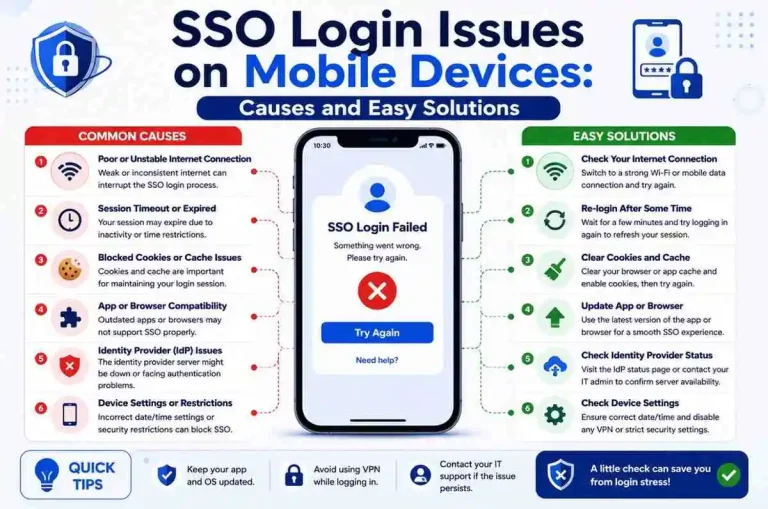
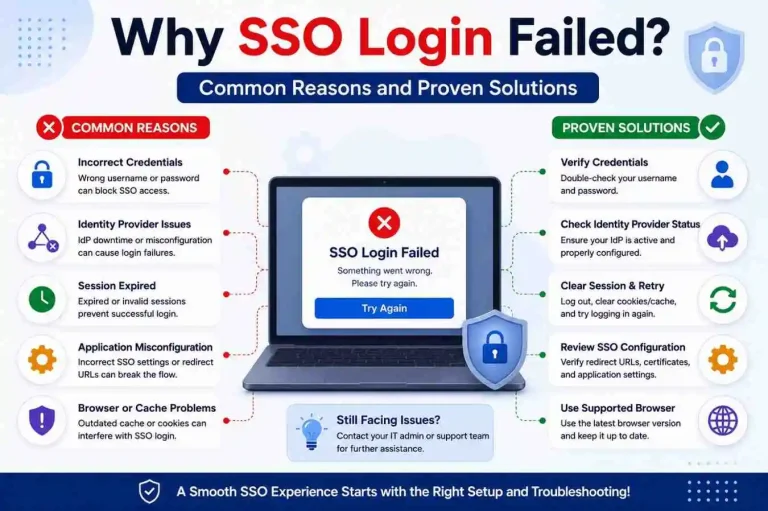
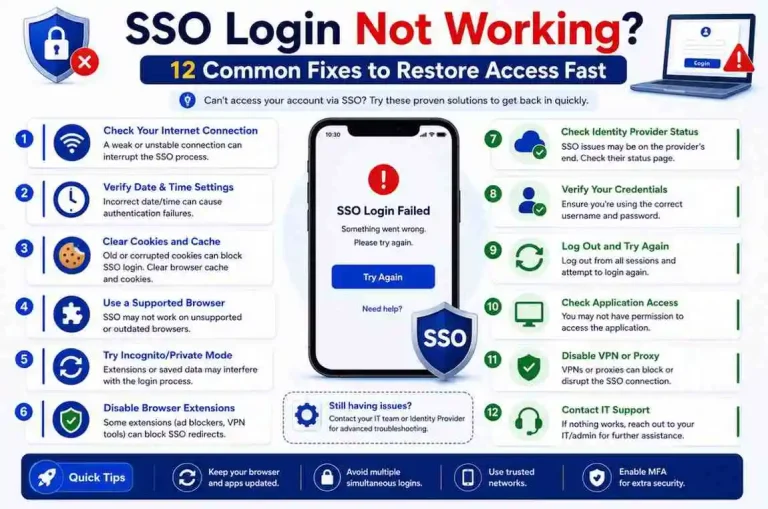
What happens if SSO fails?
Users may lose access until authentication is restored.
Troubleshooting usually involves credentials, sessions, browser settings, identity systems, or application configuration. In some cases, the issue may be with the identity provider itself rather than the application.
Is SSO the same as passwordless login?
Not exactly.
SSO means one login gives access to multiple applications. Passwordless login means the user signs in without entering a traditional password, often using biometrics, security keys, or device-based authentication. The two can work together, but they are not the same thing.
Final Thoughts
Single Sign-On has changed how users access digital systems.
Instead of managing dozens of passwords, people authenticate once and continue working across connected applications. That makes daily tasks faster, reduces login friction, and improves the overall user experience.
For users, SSO creates convenience.
For organizations, it supports stronger access management, better security visibility, and easier administration.
Whether you’re new to authentication systems or exploring access management for your business, understanding how SSO login works gives you a solid foundation for navigating today’s connected digital environment.
As more tools move to the cloud and more teams work across multiple platforms, SSO will continue to play an important role in secure and efficient digital access.